A cover letter upload is one of the smallest steps in a job application and one of the easiest to get wrong. Choose the wrong file format, leave a sloppy filename, or skip the upload entirely, and you risk making a poor first impression before a recruiter reads a single sentence. This guide walks you through every detail: file types, naming conventions, platform-specific instructions, and the data behind why uploading a tailored letter still matters.
If you need to write or polish your letter first, the cover letter building guide covers structure and content from scratch.
What Is a Cover Letter Upload and Why Does It Matter?
A cover letter upload is the step where you attach a separate document file to an online job application, typically through an applicant tracking system (ATS) or job portal.
According to a 2024 Jobscan review of over 1,000 job postings, 59% of ATS application forms included a field to upload a cover letter, either as optional or required. That means more than half of the corporate applications you encounter will give you a chance to submit one.
Why bother? A 2024 ResumeLab survey of 200+ hiring managers found that 83% consider a cover letter important and 74% said they are more likely to interview a candidate who includes one, even when the field is optional. A separate 2023 ResumeGo experiment that sent fictitious applications to real employers found that applications with a tailored cover letter received 49% more interview invitations than those without.
The takeaway is straightforward: when a system gives you the option to upload, treating it as optional is a missed opportunity.
Which File Format Should You Use When Uploading a Cover Letter?
Use a text-based PDF for most applications and a .docx file when the employer or ATS specifically requests Word format.
The two formats dominate for good reason. A 2024 Resume Worded analysis of roughly 100,000 U.S. job postings found that over 90% of postings specifying a format asked for either .pdf or .doc/.docx. Formats like .pages, .odt, and image files were explicitly banned in many listings.
Here is a quick comparison to guide your choice:
| Factor | Word (.docx) | |
|---|---|---|
| Formatting preservation | Exact layout on every device | May shift between Word versions |
| ATS parsing reliability | High for text-based PDFs; fails for scanned/image PDFs | Generally highest across older and newer ATS |
| Recruiter preference (human review) | Preferred by 60% of recruiters in a 2023 TopResume survey | Preferred by ~40%, especially when ATS parsing is a concern |
| Security risk | Low (no macros by default) | Low for .docx; older .doc files can contain macros |
| Compatibility with email gateways | Whitelisted almost everywhere | Whitelisted almost everywhere |
A critical warning: image-only PDFs (scanned documents or screenshots saved as PDF) cannot be parsed by any ATS. According to Jobscan’s 2024 ATS test results, improper file types and non-readable formatting account for up to 10-20% of ATS parse failures. Always confirm your PDF contains selectable text by trying to highlight a word in your PDF viewer.
If you are building your application documents from scratch, the AI resume builder at Resumeio.com exports clean, ATS-friendly files in both formats.
How to Name Your Cover Letter File Before Uploading
A professional, descriptive filename takes five seconds to create and signals attention to detail before the recruiter opens the document.
The recommended pattern is simple: FirstName_LastName_CoverLetter.pdf. According to guidance from Resume Worded and Indeed, including your full name and the document type makes the file instantly identifiable when a recruiter downloads a batch of applications.
A few rules to follow:
- Keep it between 25 and 35 characters. LinkedIn career advice suggests this range so the full name stays visible in email previews and file directories.
- Use underscores or hyphens, not spaces. Spaces can create encoding issues across systems.
Jane_Doe_CoverLetter.pdfis safer thanJane Doe Cover Letter.pdf. - Remove draft markers. Delete “v2,” “final,” or date stamps before uploading, according to The Muse. A filename like
CL_final_v3_reallyfinal.pdflooks disorganized. - Add the role or company if the posting requests it. For example:
Jane_Doe_CoverLetter_MarketingAnalyst.pdf.
Never upload a file named document1.pdf or coverletter.pdf with no identifying information. In many ATS and email views, the filename is the first thing a recruiter sees.
Where and How Employers Receive Uploaded Cover Letters
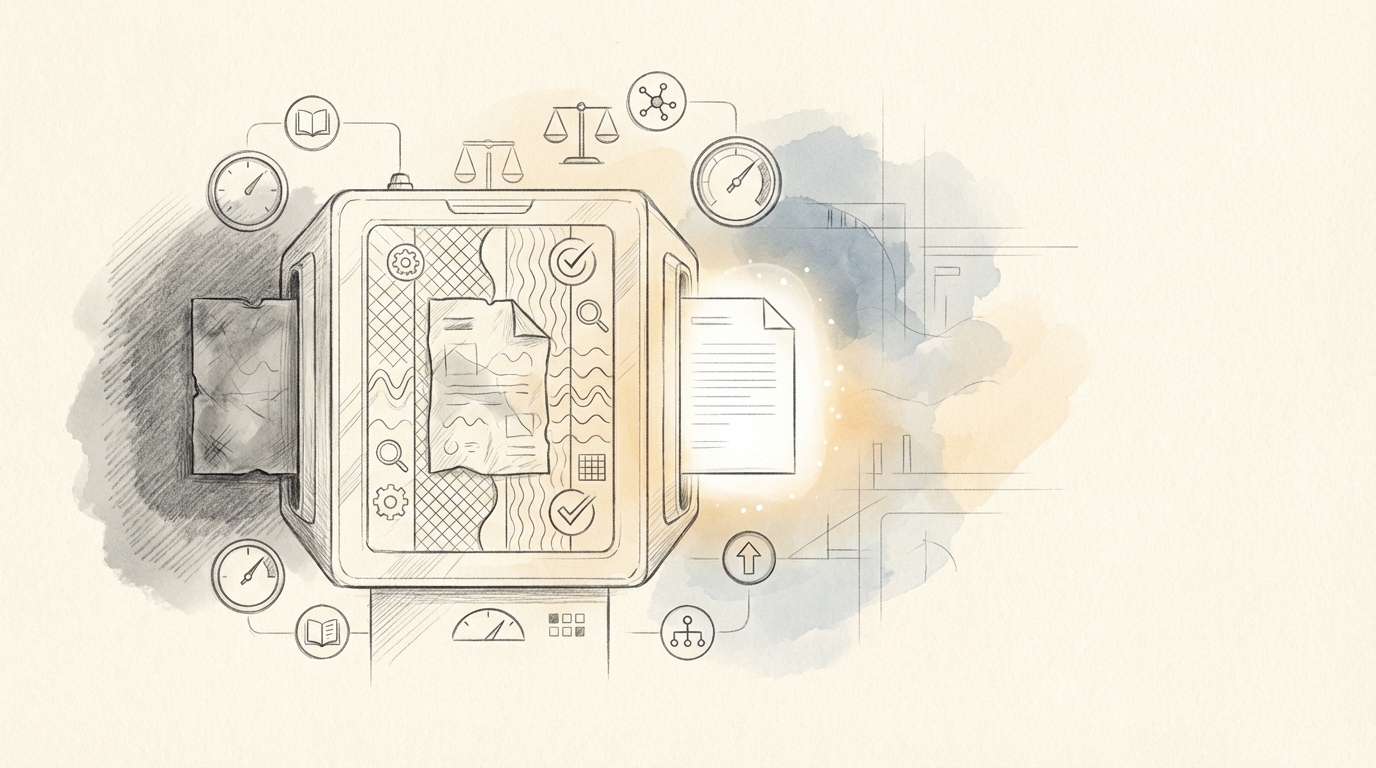
Uploaded cover letters land inside the employer’s applicant tracking system, stored alongside your resume in a single candidate record.
According to a 2023 SHRM survey, 87% of organizations with 100 or more employees use an ATS. When you click “Upload” on a company career page, your file is routed into that system, not to a recruiter’s personal email. Recruiters then see your cover letter as a separate tab or downloadable attachment when they open your profile. Greenhouse, Lever, and Workday all display candidate documents this way, according to their support documentation.
When you apply through a job board like Indeed, the process is slightly different. Indeed’s employer help center explains that uploaded cover letters are sent to the employer either via email or directly into the employer’s ATS, depending on the integration. Either way, the letter becomes part of your application record.
Key point: most modern ATS platforms can parse text from uploaded PDFs and DOCX files, making your cover letter searchable by keyword. Including relevant terms from the job description helps recruiters find your application when they search their database.
Does Uploading a Cover Letter Actually Improve Your Chances?
Yes, when the letter is tailored to the role, uploading one is associated with higher interview rates across multiple studies.
A Resume Genius survey from 2026 reports that 94% of hiring managers say cover letters influence their interview decisions, and 83% read most of the cover letters they receive. The same survey found that 60% of American companies require a cover letter, with the rate climbing to 72% among medium-sized firms.
The 2023 ResumeGo experiment adds experimental evidence: 57% of interview invitations for mid- and senior-level roles went to candidates who included tailored letters, compared to 23% for generic letters and 20% for no letter at all.
These numbers matter most in professional fields that are growing quickly. According to BLS Employment Projections for 2024-2034, business and financial operations occupations are projected to grow approximately 8%, faster than average. In these fields, written communication is a core skill, and a cover letter doubles as a writing sample.
That said, uploading a generic, copy-pasted letter can actually hurt. A 2023 CareerBuilder survey found that 54% of hiring managers immediately reject candidates who submit materials clearly not tailored to the job. Quality matters more than the act of uploading.
Step-by-Step: How to Upload a Cover Letter on Major Job Platforms
Each platform handles cover letter uploads differently. Here is what to expect on the five most common systems.
LinkedIn (Easy Apply) LinkedIn’s Easy Apply sometimes includes an “Upload a cover letter” toggle or an “Additional documents” field. When it appears, click the upload button and select your PDF or DOCX file. Not every listing shows this option; it depends on the employer’s configuration. If no field appears, consider sending a brief note through LinkedIn messaging after applying.
Indeed Indeed allows you to upload a cover letter during the application process when the employer enables it. Look for a “Supporting documents” section below the resume upload. Select your file and confirm the upload before submitting. According to Indeed’s support documentation, uploaded files are delivered to the employer alongside your resume.
Workday Workday-powered career sites typically display a “Cover Letter” or “Additional Attachments” field on the application form. Upload your file there. Workday parses both PDF and DOCX, but stick with one clean file rather than a multi-page combined document unless instructed otherwise.
Greenhouse Greenhouse applications often include a clearly labeled “Cover Letter” upload field. Some employers configure it as required, others as optional. Upload your file, then scroll down to confirm all required fields are complete before hitting submit.
Taleo (Oracle) Taleo applications can be more rigid. Look for an “Attachments” section where you can upload multiple documents. Label your file clearly because Taleo may not auto-detect document type. If the system offers a dropdown menu (Resume, Cover Letter, Other), select “Cover Letter” for your file.
Before uploading on any platform, run your resume through a CV test to make sure both documents are polished and consistent.
Industry-Specific Tips for Cover Letter Uploads
Different industries have different expectations for what you upload and how you format it.
Tech and data roles. According to BLS projections for 2024-2034, software developer roles are expected to grow 25.7%. Competition is fierce, and a cover letter can bridge the gap between your resume and your GitHub or portfolio. Use PDF format, reference linked work artifacts, and mirror job-description keywords naturally. If you are building a software engineer resume, make sure the cover letter complements it rather than repeating it.
Finance and professional services. A Columbia University analysis of 500 LinkedIn postings for investment banking and consulting roles found roughly 60% requested or strongly preferred a cover letter. Use formal naming conventions, quantify business impact, and reference specific deals or practice areas. Candidates preparing an investment banker resume should treat the cover letter as a writing sample that demonstrates client-readiness.
Healthcare. Clinical roles may not always require a cover letter, but administrative and leadership positions in healthcare often do. According to the University of Michigan Career Center, cover letters for healthcare administration roles are used to assess communication and mission alignment. Many hospital ATS portals use text boxes that strip formatting, so draft in a word processor and paste as plain text when needed.
Creative and publishing. Penguin Random House Careers describes the cover letter as “your primary opportunity” to connect your voice to the employer’s brand. PDF is strongly preferred here because layout and design choices are part of the message.
Common Cover Letter Upload Mistakes to Avoid
Small errors during the upload step can undo the work you put into writing the letter. Here are the most frequent problems and how to prevent them.
Skipping the upload when it is optional. A 2024 ResumeLab survey found that 68% of hiring managers pay more attention to candidates who attach a cover letter when it is not strictly required. Treat “optional” as “recommended.”
Uploading the wrong file format. A 2023 TopResume survey reported that 23% of recruiters have rejected or ignored applications because documents were submitted in an unreadable format. Stick to PDF or DOCX.
Leaving the wrong company or role name in the letter. According to LinkedIn Talent Blog research, a mismatched company name is one of the most common instant turn-offs for recruiters. Double-check every letter before you click submit.
Using a vague or messy filename. A 2022 SHRM pulse survey found that 58% of recruiters say unprofessional file names create a negative impression. Use the Firstname_Lastname_CoverLetter.pdf convention described earlier.
Ignoring upload instructions. A 2023 Resume Genius survey found that 77% of hiring managers have disqualified candidates for failing to follow simple application instructions, including not uploading required documents in the specified field.
Including sensitive personal data. Do not put your Social Security number, full date of birth, or other highly sensitive information in an uploaded cover letter. The document will be stored in a database, and unnecessary personal data increases identity-theft risk.
A polished cover letter upload starts with a polished cover letter. Browse cover letter examples for your target role, then use Resumeio.com’s templates to create a clean, ATS-friendly document you can upload with confidence on any platform.